
After identifying Controlled Unclassified Information, the next compliance challenge is scope. Many NIST SP 800-171 failures do not stem from missing controls, but from an undefined or poorly defended CUI system boundary. Without a clear inventory and boundary, organizations often over-scope their environment or, worse, miss systems that actually process, store, or transmit CUI.
Goal: Define the CUI System Boundary
NIST SP 800-171 applies when CUI is resident in nonfederal systems and organizations. As a result, applicability is directly tied to where CUI exists, and which system components handle or protect it.
The goal of Step 2 is to identify where CUI resides and to clearly define which system components fall within the CUI system boundary so controls can be applied accurately and defended during assessment.
What “Authorized Holder” Means and Why it Affects Scope
The CUI Registry defines an authorized holder as an individual, agency, organization, or group of users that is permitted to designate or handle CUI, in accordance with 32 CFR Part 2002.
From a scoping perspective, authorized holders matter because they determine who may access CUI and which systems must support that access. If users or tools interact with CUI without being designated as authorized holders, the system boundary may unintentionally expand. Documenting authorized holders helps constrain the CUI system boundary and supports later access control decisions.
CUI Inventory: Knowing Where CUI Actually Lives
A defensible system boundary starts with an accurate CUI inventory. Because NIST SP 800-171 ties scope to where CUI is “resident,” inventory efforts should look beyond primary applications and include common secondary locations.
CUI often exists in:
- documents and file shares
- email systems and collaboration platforms
- ticketing and workflow tools
- backups, logs, and archives
If CUI exists in a system, that system is either in scope or must be addressed through architectural decisions.
Validating CUI Inventory with Discovery Support
In practice, organizations often supplement manual inventory efforts with targeted discovery tooling to validate where sensitive documents may actually reside. For example, Sequester, an extension of the RegDOX Secure Data Room Solution, can be used to scan designated locations for documents that may require special handling and generate reports showing where those files are found.
- Helps confirm where potential CUI actually resides beyond primary systems
- Identifies sensitive documents in shared, legacy, or overlooked locations
- Produces reports that support inventory documentation and scoping decisions
- Informs whether systems should be included in the CUI system boundary or addressed through architectural controls
This type of visibility can help confirm inventory assumptions and inform system boundary decisions without expanding scope unnecessarily.
System Components That Define the CUI System Boundary
NIST SP 800-171 frames requirements around system components that process, store, or transmit CUI, as well as components that provide security protections for those systems.
When defining the CUI system boundary, organizations should focus on identifying the applications that directly handle CUI and the infrastructure and security services that support them. This approach prevents both under-scoping and unnecessary expansion of compliance scope.
Using Isolation to Control Scope
NIST SP 800-171 allows nonfederal organizations to limit compliance scope by isolating CUI into a separate security domain. This may involve logical segmentation, subnetworks, or other boundary protections.
When implemented correctly, isolation narrows the CUI system boundary without reducing protection and is often one of the most effective ways to control compliance cost while maintaining defensibility.
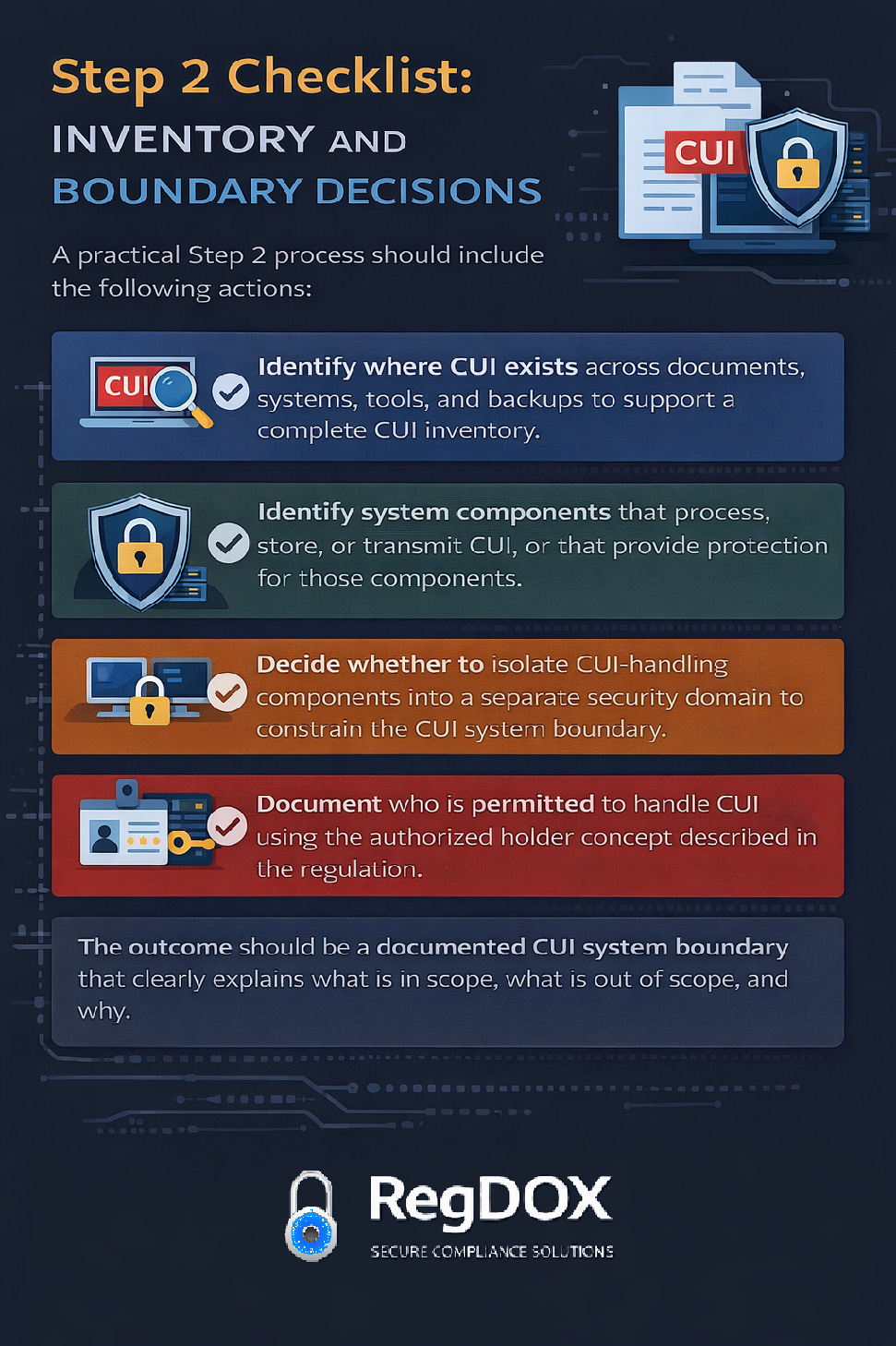
Step 2 Checklist: Inventory and Boundary Decisions
A practical Step 2 process should include the following actions:
- Identify where CUI exists across documents, systems, tools, and backups to support a complete CUI inventory.
- Identify system components that process, store, or transmit CUI, or that provide protection for those components.
- Decide whether to isolate CUI-handling components into a separate security domain to constrain the CUI system boundary.
- Document who is permitted to handle CUI using the authorized holder concept described in the regulation.
The outcome should be a documented CUI system boundary that clearly explains what is in scope, what is out of scope, and why.
Up Next: Step 3: Marking and Handling Rules
The next entry in the series is Step 3, which focuses on marking and handling requirements that frequently cause confusion once scope is defined.
About RegDOX
At RegDOX Solutions Inc., we help defense contractors and high-security organizations simplify compliance with ITAR, EAR, DFARS, and CMMC requirements. Our secure, cloud-based platforms combine end-to-end encryption, access controls, and audit-ready documentation to keep your data—and your contracts—safe.
Need help navigating evolving cybersecurity regulations?
Request a Compliance Demo
Or contact us directly at info@regdox.com
See the enclave in action.
The Compliant Computing Enclave keeps CUI inside one boundary, with your endpoints out of scope and the evidence trail already built.
Talk to an Expert →